Posted in: Usage and Management

EDMI Prepaid Meter Codes: Codes for Balance, Meter Number, etc.

Just like other popular prepaid meter brands that have different codes for various functions, the Edmi prepaid meter is not an exception since it also has some codes that you can use to perform certain functions. If you use an EDMI prepaid meter to measure and manage your utility consumption, it is important that you […]

Posted in: Usage and Management

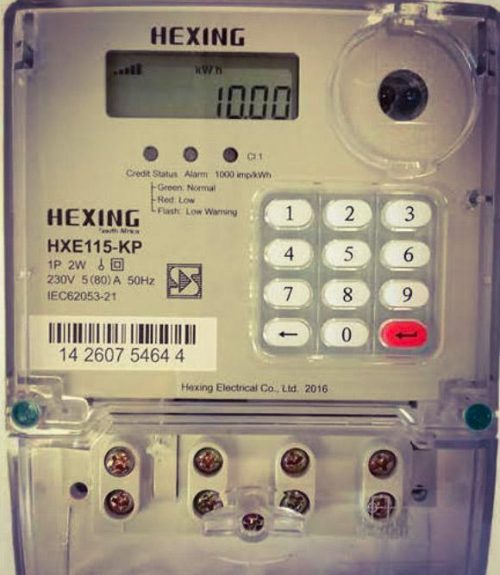
Hexing Prepaid Meter Failed: How to Fix It

We know how disheartening and frustrating it could be when your cherished prepaid meter fails, leaving you in total darkness. As a sequel to that, we have designed this guide on ‘’Hexing Prepaid Meter Failed’’ to put you through all you need to know to keep you informed and avoid being frustrated should it occur.  […]

Posted in: Usage and Management

Landis Gyr Prepaid Meter Reset Code

As a user of the Landis Gyr prepaid meter, it is important to know their reset code so that you can use it to restore your meter should it become faulty.  The Landis Gyr prepaid meter reset code is a unique code that is used to erase errors on the Landis Gyr meter to enable […]

Posted in: Usage and Management

DESCO Prepaid Meter Check (App & Online)

As a DESCO prepaid meter user, it is important for you to check your meter regularly to ensure its optimal performance. This is an overall check of your prepaid meter, which may involve checking the remaining balance of your credit unit, your current consumption status, recharge history, and total electricity credit units that you’ve used. […]

Posted in: Usage and Management

DESCO Prepaid Meter Recharge History (Online & App)

While DESCO prepaid meters offer transparent electricity billing to users, it is important for consumers to check their recharge history to enable them to know their recharge pattern and track their energy consumption easily, which will definitely help them to use their energy properly and minimize costs. Checking DESCO prepaid meter recharge history is quite […]

Posted in: Usage and Management

How to Check Balance on Wasion Prepaid Meter (Online, Code, etc.)

If you use a Wasion prepaid meter to measure and manage your energy consumption, it is always important to check your prepaid electricity credit balance to avoid sudden power interruptions due to a low credit balance. As you may know, the Wasion prepaid meter works on the principle of pay-as-you-go. So, if your prepaid electricity […]

Posted in: Usage and Management

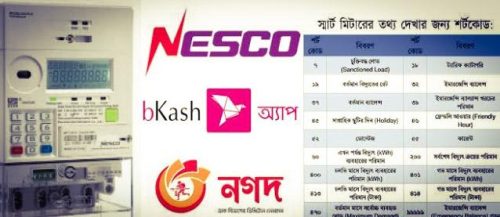
NESCO Prepaid Meter Code: Active Codes

A NESCO prepaid meter code is a set of numbers or a number that performs a specific function on the meter. These codes are unique and can only carry out a particular function when entered in the meter.  The codes are programmed such that they instruct the NESCO prepaid meter to produce a particular result […]

Posted in: Usage and Management

NESCO Prepaid Meter Emergency Balance (Code)

NESCO prepaid meter emergency balance is like icing on the cake, especially when you run out of credit units and you’re not at your convenience. It serves as a life changer because it will keep your power supply running even when your credit units are exhausted and you don’t have money for an immediate top-up.  […]

Posted in: Usage and Management

Prepaid Electricity Meter Reset Codes

If your prepaid electricity meter is malfunctioning and you’ve tried all other troubleshooting measures and none of them worked out, the only option left is to reset the meter to default or to its original state. Prepaid electricity meter reset codes help prepaid meter users restore their meters to their default setting or their original […]

Posted in: Usage and Management

How to Borrow Unit from PHED Prepaid Meter: Code & Other Methods

If you’re a prepaid meter user under Port Harcourt disco and run out of credit and you don’t have enough money to top up your prepaid meter credit, the only option left for you is to borrow a credit unit for your meter. The main issue here is, is it even possible to borrow units […]

Back to Top
error

Did this post help? Please share this post